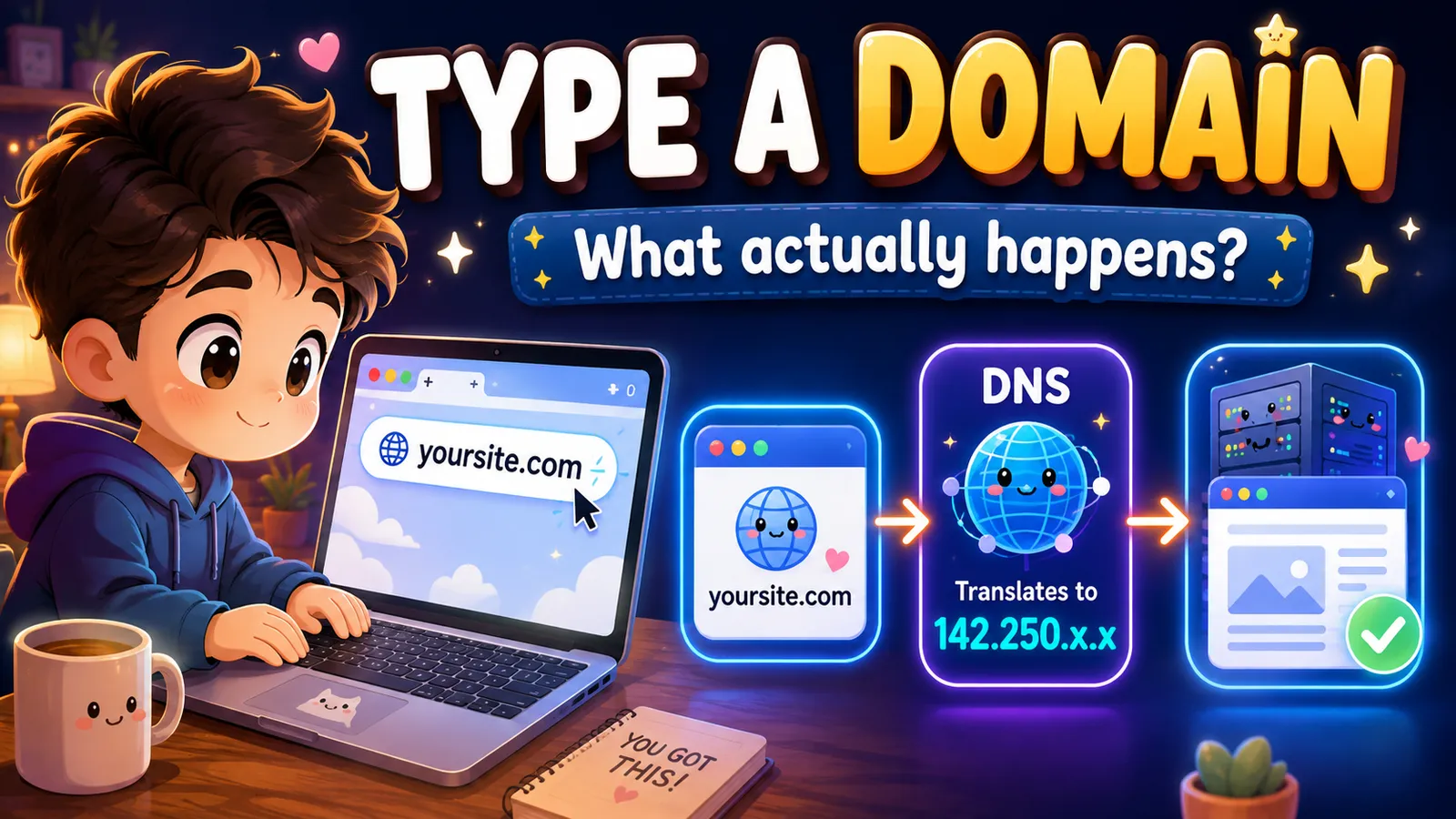
I’ve deployed plenty of things behind a domain. Add an A record, point it at the server, get a certificate, done. It works, so I never really looked at it.
Then I got curious about a dumber question: who is actually running all of this? Something out there has to know that my domain maps to my server, and someone has to be paying for those machines to stay up.
So I traced the whole path. It turned out to involve a lot more organisations than I expected — E.g. a Swedish non-profit, NASA, and the US Army among them.
🚀 The simple version
If you just want a site online, this is the whole thing:
- Rent a domain from a registrar — Namecheap, GoDaddy, Route 53, whichever
- Add an A record in its DNS settings, pointing at your server’s IP
- Get a certificate — run
certbot, or use Caddy which handles it quietly - Redirect traffic to the encrypted version
Genuinely five minutes. Everything below is what’s happening behind those five minutes.
🏛️ Nobody actually owns a domain
First thing worth getting straight: you don’t buy a domain, you rent it. One to ten years at a time.
Miss the renewal and your registrar points it at a parking page (no ownership). Your site goes down without you deploying anything, and your DNS records are all still sitting there, perfectly fine, just no longer connected to anything.
There are three separate parties involved, and I had them all mushed into one.
ICANN sets policy and accredits who’s allowed to sell domains. It doesn’t run any servers you’ll ever talk to.
The registry is the database for one extension. Verisign runs .com. MYNIC runs .my. There's exactly one registry per TLD, and it holds the master record of every domain under it — who owns it, when it expires, and which nameservers it points at.
The registrar is the shop. GoDaddy, Namecheap, Route 53. They’re a retailer sitting between you and the registry. When you change your nameservers in their dashboard, they send that change to the registry over a protocol called EPP, and the registry’s copy is the one that counts.
That last bit matters. Your registrar’s dashboard is a form, not the truth. If the two ever disagree, the registry wins.
🌐 Nobody at the top knows your IP
Here’s the thing I had completely wrong. I assumed there was some big lookup table somewhere mapping domains to IPs. There isn’t.
Instead there’s a chain, and each stop only gives directions.
Worth saying too: your browser isn’t doing any of this. It hands the question to a resolver — your ISP’s, or 8.8.8.8, or 1.1.1.1 — and waits. The resolver does all the legwork, for every user on that network, all day.
resolver → root server         : "who handles .com?"
         ← "go ask the .com registry"
resolver → .com registry       : "yichonggoh.com?"
         ← "go ask ns-1.awsdns-01.org"
resolver → ns-1.awsdns-01.org  : "yichonggoh.com?"
         ← "13.250.1.5"   ← finally, an actual answer
Three hops, three completely different organizations.
It’s like asking a receptionist for someone and getting “fifth floor, room 12” instead of being walked there. Every layer just points one level down.
The root servers are real machines somebody pays for
This is the part that stuck with me.
There are 13 root servers — a.root-servers.net through m.root-servers.net — operated by 12 independent organisations, with Verisign the only one running two of them. E.g., NASA, the US Army Research Lab, a Dutch network coordination centre, a Swedish non-profit, a couple of universities.
The whole system currently runs around 2,000 operational instances worldwide, spread out using anycast — the same IP address announced from hundreds of physical locations, so your packet lands at whichever one is closest.
One thing stops this from melting
Every answer above gets cached, and the higher up the chain, the longer the cache. A resolver asks the root servers about .com roughly once a week, then serves millions of users from memory in between.
Your own A record TTL might be five minutes, but that only affects your nameservers. The expensive upper layers barely get touched.
Which also explains “DNS propagation”. Nothing is being copied anywhere. You’re just waiting for other people’s caches to expire.
🧭 So what is Route 53, actually?
This was the first of my three questions, and the answer is that Route 53 does two unrelated jobs that happen to sit in the same console.
As a registrar, it sells you the domain and writes your NS records into the registry. That’s the “Registered domains” section.
As a DNS host, it runs the authoritative nameservers that actually answer for your domain. That’s “Hosted zones” — step three of the walk above.
You can use one without the other, and plenty of people do. Buy the domain at Namecheap because renewals are cheaper, then set the nameservers to Cloudflare because it’s free and fast. Namecheap stays your registrar forever; Cloudflare becomes the thing actually answering queries.
The practical gotcha: changing your nameservers changes which company answers for your domain. If you switch from GoDaddy’s DNS to Cloudflare and forget to recreate your records first, everything goes dark. Nothing you deployed caused it. The old zone file is still sitting in GoDaddy, perfectly intact, and nobody is asking it anymore.
🔐 TCP first, then TLS
Now the browser has an IP. What happens next is two handshakes, in order, and they often get described as one thing:
TCP handshake — no encryption at all
  → SYN
  ← SYN-ACK
  → ACK
  [connection open, everything still plaintext]
TLS handshake - now the crypto starts
  → ClientHello
  ← ServerHello + CERTIFICATE
  [browser validates the certificate]
  → key exchange
  [encrypted from here on]
HTTP
  → GET /
The certificate only shows up in the second handshake. And what it’s doing there isn’t what I thought.
The certificate isn’t the encryption
I always assumed the certificate is what makes traffic encrypted. It isn’t. TLS does the encryption. The certificate is what tells the browser who it’s encrypting to.
It carries two things: the server’s public key, and a signature from a Certificate Authority the browser already trusts. The browser checks that signature, and now it knows the public key genuinely belongs to that hostname.
Without that check, encryption is close to worthless:
you → [attacker] → real server
attacker presents his own key
you encrypt to attacker, he decrypts, reads, re-encrypts, forwards
Encrypted the whole way, and completely compromised.
So how does the certificate stop this? The attacker has two options, and both fail.
He can present his own certificate. But no CA in the browser’s trust store will sign a certificate for a domain he doesn’t control — and as you’ll see in a moment, proving that control means publishing a record in the domain’s DNS. He can’t. So the signature check fails and the browser refuses.
Or he can present the real server’s certificate. He can absolutely get hold of it, it’s public — you can download any site’s certificate right now. But the handshake doesn’t stop at “show me a certificate”. The browser then asks the server to prove it holds the matching private key, by signing part of the handshake with it. That key never left the real server. The attacker can’t produce the signature, and the handshake dies.
So the certificate isn’t decoration on top of encryption. It binds a hostname to a public key, and faking that binding means fooling a CA — which, as we’ll see, bottoms out in DNS.
⚖️ Why the certificate goes on the load balancer
Second question. Every AWS tutorial tells you to attach the certificate to the ALB listener, not to your app. I did it for years without thinking about why.
The reason is that the certificate belongs to whatever terminates TLS — whatever is actually on the other end of that handshake. And the load balancer is exactly that:
browser ── TLS (encrypted) ──> ALB ── plain HTTP ──> your app
                              ↑
                     certificate lives here
The ALB completes the TLS handshake, presents the certificate, proves it holds the private key, decrypts the traffic — and then forwards plain HTTP to your app over the private network. Your Django container never sees a certificate and doesn’t need to.
A few things follow from this that make sense once you see it.
Certificate management stops being per-server — ten containers behind one ALB means one certificate, not ten.
Your app genuinely can’t tell whether the original connection was HTTPS, which is why the load balancer adds X-Forwarded-Proto. That header exists because the information was really lost at the ALB.
The private key never touches your application servers, which is a real security win. Your app can be compromised without the key leaking.
And between the ALB and your app, it’s plaintext. Fine inside a VPC. If you need it encrypted end to end, that’s a second TLS setup, and now you’re back to certificates on every service.
Same principle everywhere else, just different names — an nginx reverse proxy, a Kubernetes ingress controller, CloudFront. Whoever terminates TLS holds the certificate.
TLDR;
- You rent domains, you don’t buy them. The registry is the source of truth; the registrar is just the shop.
- Nobody at the top knows your IP. Root points to the registry, registry points to your nameserver, only your nameserver has the answer.
- Your ISP’s resolver does the walking, and caching is what stops the top of the system from melting.
- Route 53 does two separate jobs — registrar and DNS host. You can use one without the other, and mixing them up is how sites go dark.
- The certificate isn’t the encryption. TLS encrypts; the certificate proves who you’re encrypting to.
- The certificate lives wherever TLS terminates — the load balancer, not your app.